The Order / Quote creation journey can be started from the dashboard and by clicking on the New Quote / New Order button.
.png)
Once the user clicks on the New Quote / New Order button, the following steps will appear.
.png)
If items have already been added to the user’s cart, the system will show a popup stating, “You already have x number of items in your cart; either clear your cart or save it before adding new items.
.png)
- Clear Existing Items: Clicking on it will clear the User’s cart & display a Cart successfully cleared message & automatically take the user to the next step.
- View Cart & Save Quote: It will take the user to the Cart page, where the user can review the cart items & save them as a Quote. Then the user has to come back to the dashboard to initiate the new quote/order.
.png)
- If there aren’t any existing items in the cart or the customer has cleared the items, the user will be redirected to the step process of order placement.
¶ New Quote/Order creation is a 6-step process
- Enter the Information
- Door Style Selection / Import from 2020
- SKU Selection
- Shipping
- Review
- Payment
¶ Step 1 - Information Capturing
¶ Step 2 - Select Door Style / Import 2020 / Import Pro Kitchen
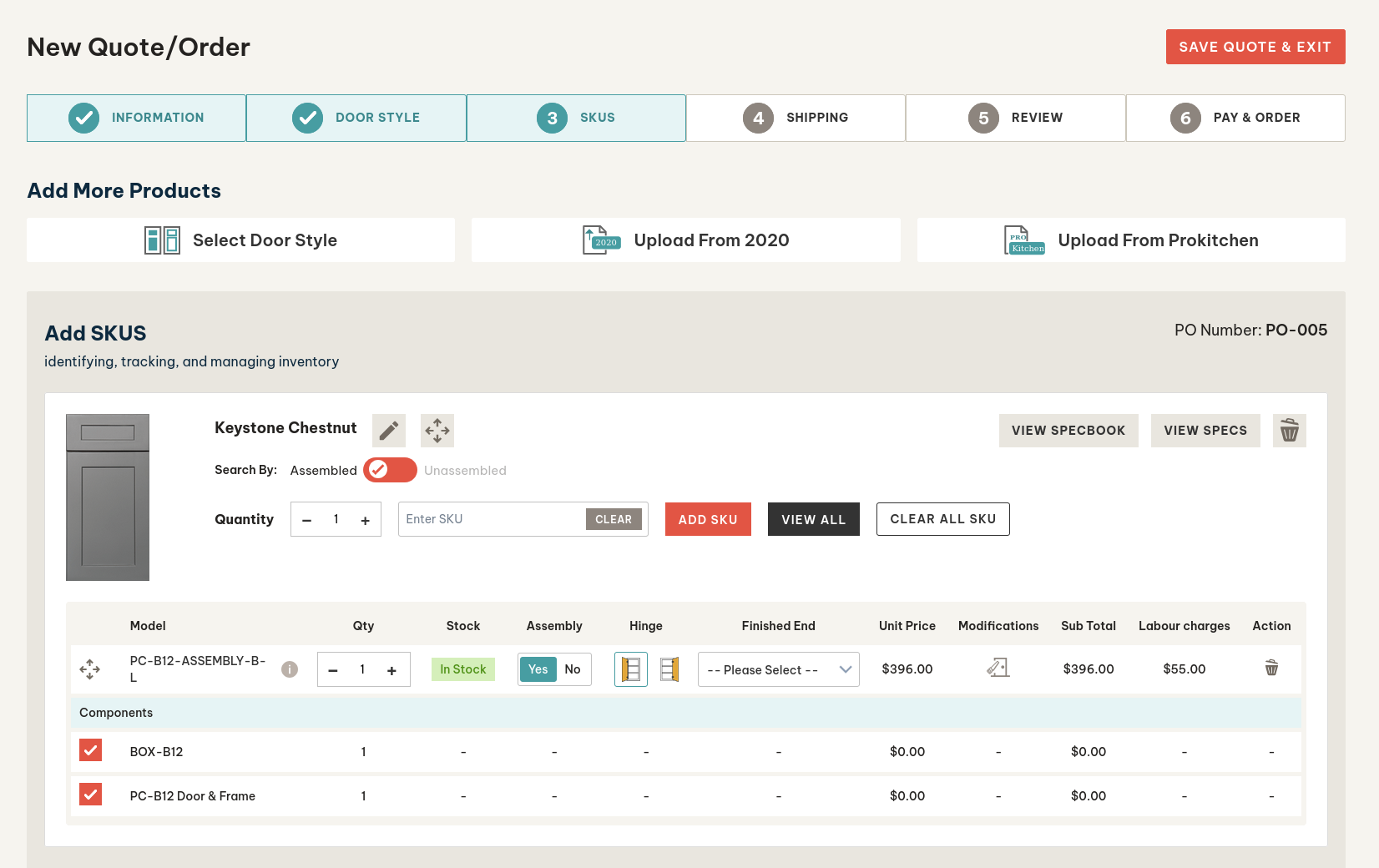
¶ Step 3 - Select SKUs / Quick Order
¶ Step 4 - Shipping / Pickup
¶ Step 5 - Review
¶ Step 6 - Payment
¶ Saving your Quotes
Once you have added an item to the cart in Step 3, you will see the “Save Quote & Exit” option.
The ordered quotes will be hidden from view if they are already converted to a sales order.
Approved quotes can’t be edited directly, but the user can convert the quote to order, which will land him on step 3, where he can make the necessary changes & save the quote, which will save the existing quote.